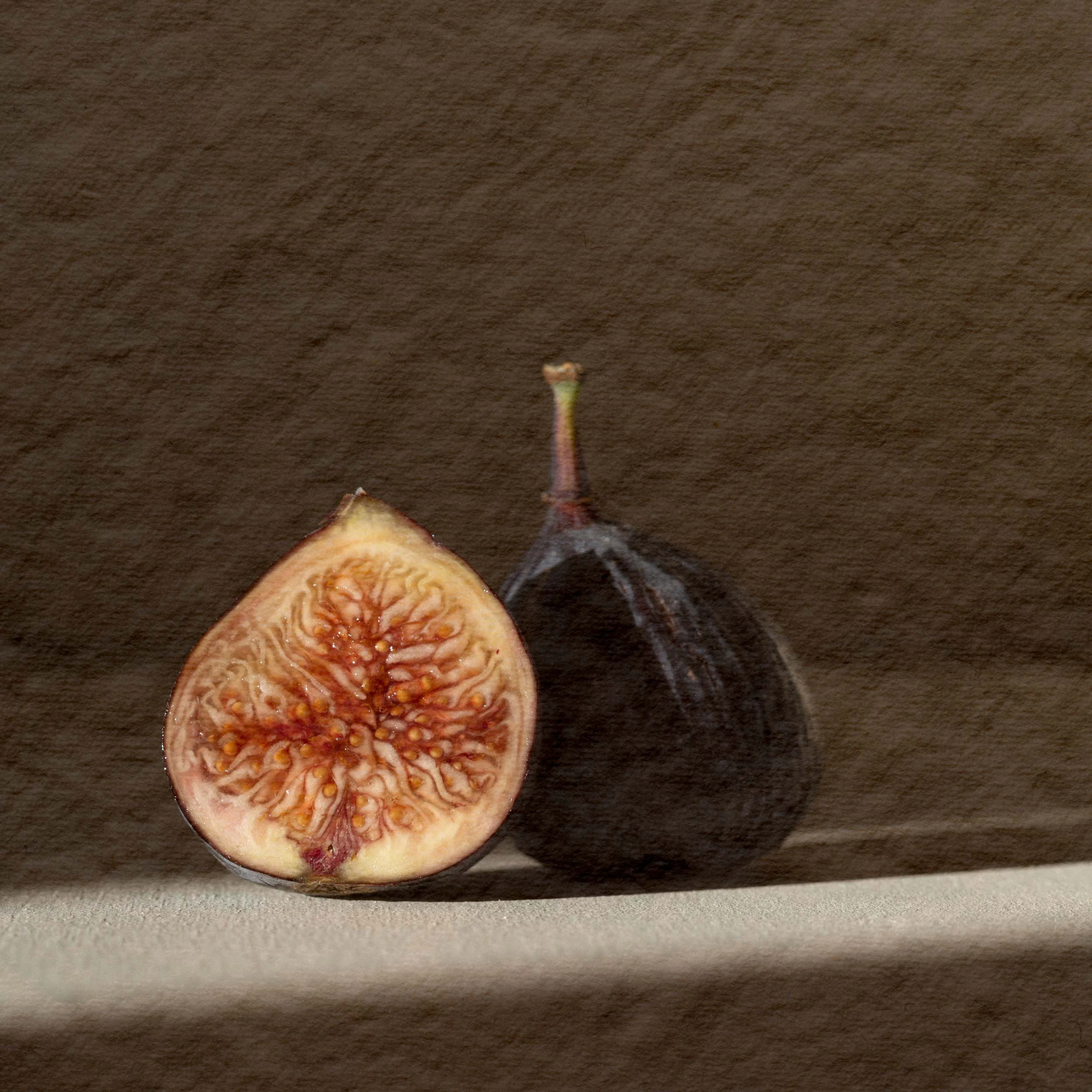
Build a visual series
Bring the same captured material to individual photographs and tune the strength for each image. The current workflow handles one pair at a time.
Paper Relief for Lightroom Classic · private preview
Pair a photograph with paper you captured. Shape its texture with a strength control, compare the result, and create a separate TIFF—without rebuilding the composite in another app.
Current output: up to 4096px on the long edge. Private preview on Apple silicon Mac; public release in preparation.
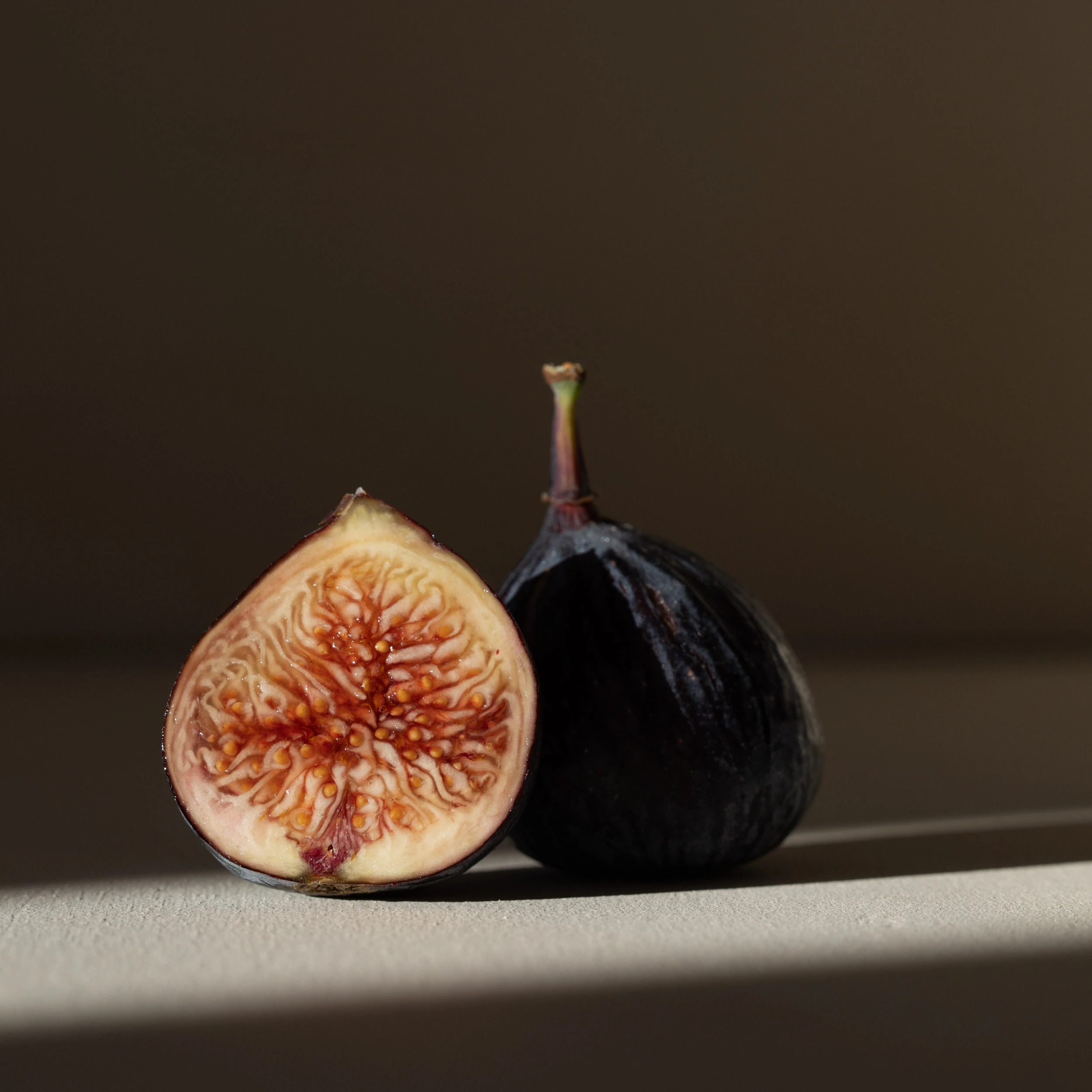 BeforeAfter
From photograph to finished texture
A focused workflow for photographers exploring texture across still-life, editorial, portrait, and personal work.
Select your photograph and a paper photo in Lightroom Classic. Swap their roles or adjust the paper fit.
Use the 0–100 Paper Relief strength control. Compare the whole-image preview with your original as you work.
Render a separate 16-bit ProPhoto RGB TIFF, up to 4096px on the long edge. Review the exported image before sharing it.
Made for a particular kind of finish
Use material you photographed yourself. The treatment draws on its local fibers and relief while neutralizing broad paper color and tone.
Bring the same captured material to individual photographs and tune the strength for each image. The current workflow handles one pair at a time.
Compare the photograph and treatment, change the fit, and protect bright and dark areas with the renderer's tone-aware relief.
A new rendered TIFF, not a RAW adjustment. No upscaling or full-resolution export above 4096px. Your source photographs remain unchanged.
Our focus
Creative finish, client selections, and the lists between them. Each tool has its own release status; none is on sale yet.
Give a photograph the character of paper you captured.
Choose your photograph and paper, adjust the relief, and create a new TIFF inside Lightroom Classic.
Private preview · Apple silicon Mac · up to 4096px on the long edge
Find where two sets of client picks agree—and where they don't.
Compare two lists against selected Lightroom photos. Review ambiguous references before copying a result.
Private beta · read-only · no ratings or collection changes
Turn a messy selection list into something you can check.
Inspect a pasted list in your browser and copy the prepared text. Your list stays on your computer.
Free utility · public download in preparation · no account
Curious about future work? View the wider product roadmap
Before you decide
Start with the workflow and output that exist today.
The current workflow uses exactly two photos selected in Lightroom Classic: your base photograph and a photograph of paper you supply. There is no bundled paper library. You can swap their roles and choose how the paper fits.
The current build creates a 16-bit ProPhoto RGB TIFF up to 4096 pixels on the long edge, without enlarging smaller inputs. It does not export at the full resolution of larger originals. Check that this size fits your intended use.
The whole-image preview is a smaller proxy for choosing the treatment. The final TIFF is rendered separately at its output size, so inspect the exported file before delivery.
Paper Relief creates a separate rendered TIFF and leaves the original RAW files unchanged. The processing runs locally. The current workflow does not import the TIFF back into the catalog automatically.
Public checkout and downloads are not open yet. The displayed prices are provisional; the proposed one-time licenses have no automatic renewal. You can request Paper Relief updates by email; that does not create an order or reserve access.
Current private preview
The recorded 0.4.3.6 private run produced a 4096 by 3072, 16-bit ProPhoto RGB TIFF in Lightroom Classic 15.5.1 on macOS 26.6.2, Apple silicon. Newer packaging work does not extend that tested compatibility. Customer installation and release verification are still in progress.
Tell us what you would make with Paper Relief and which Mac and Lightroom version you use.
Request Paper Relief updatesRequest updates by email. No preorder, payment, or automated signup. Please do not send photographs or catalogs.
From Emulyn
Emulyn is the photography-software brand operated by Lapilo Labs, LLC. We build focused local tools for photographic finish and the decisions around a client job.
About Emulyn